
We host all our online galleries using a service called Pic-Time. It’s not only a beautiful way to view your photos but it also has a bunch of amazing features.
We’ve written this help page to highlight some little tips and tricks to make the most of your gallery.
Access Gallery
We will send you a welcome email so you can access your gallery. You will then be prompted to create a Pic-Time account and choose your own password, or a new code may be auto-generated for you. Make sure you record this password so that you can access your gallery again in the future.
If you forget your password just click the forgot password link, and a reset email will be sent to you. If you already have a Pic-Time account linked to the same email address from a previous gallery, for example if you did an engagement shoot with us before your wedding, your password will be the same and you will be able to log in and see all your active galleries.
Don’t share your account login details with your guests or vendors. You can send them a code, refer to the share section below, so they can create their own access. Your login has special permissions that allow you to access some more advanced features.
Lastly, while we only guarantee that your gallery will be online for 6 months, we intend to keep it online for you for as long as we are in business. If we do ever need to remove your gallery we will give you plenty notice so that you can download and back up your images offline.
Choose Favourite Photos
One of the best features of your gallery is the ability to choose your favourite images. Choosing your favourite images will make it easy to download and share just those images, as well as improving your experience in the print store.
To favourite an image, hover over it with your mouse and select the heart icon in the bottom left corner. This will add it to your favourites collection, look for the same heart icon, in the top-right of your gallery.
Download Photos
Downloading your photos is straightforward. You can hover over each photo to download individually, or download the entire gallery or scenes by using the downward-facing arrow in the top-right of your gallery.
You can also save your photos direct to Dropbox or Google Photos using these download options.
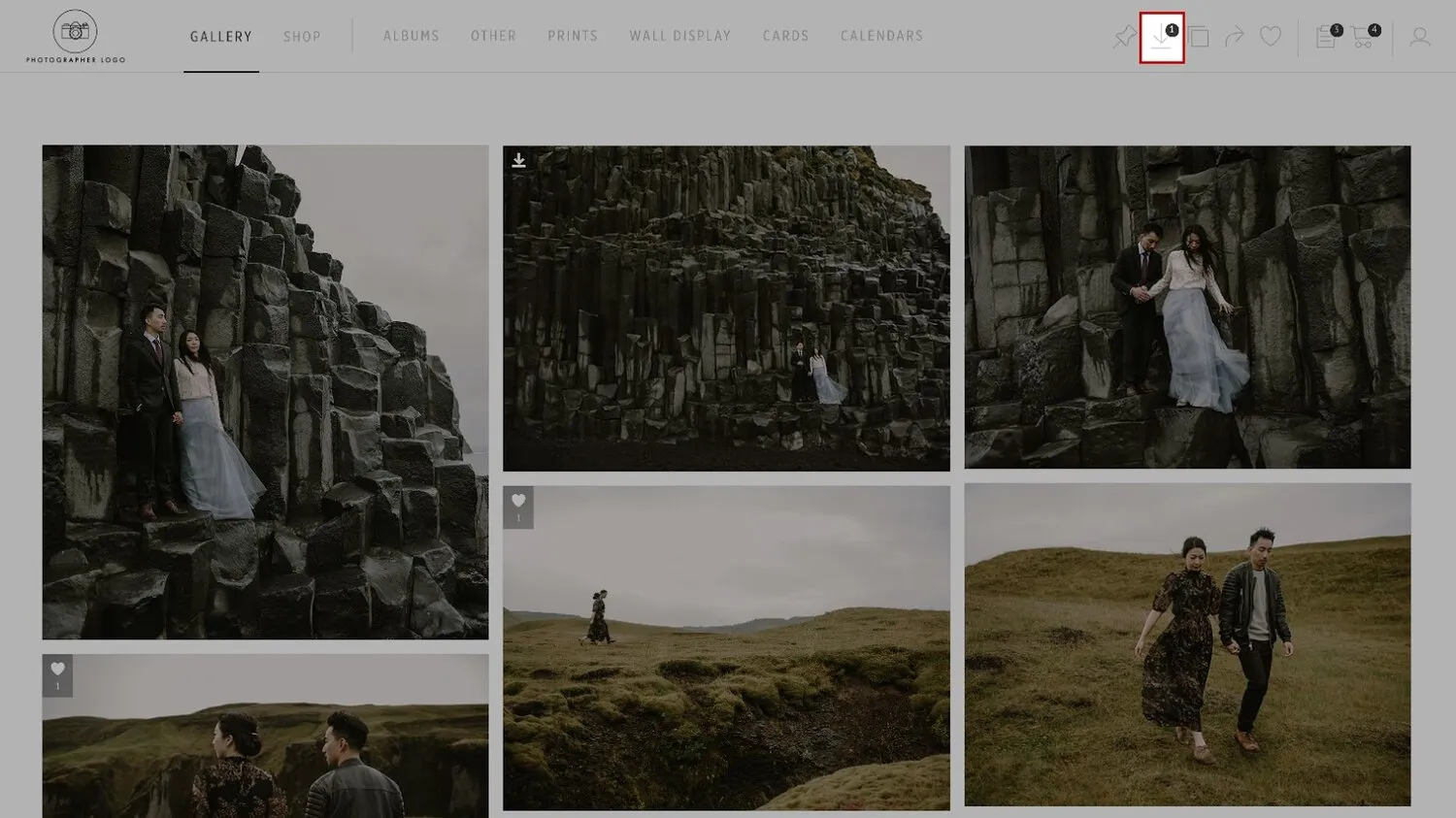
Download all photos using the download button in the top-right corner.
Hiding Photos
Before you share the gallery with friends, family and vendors, you can hide any photos you choose. Hover over the image and select the crossed out eye icon in the upper right-hand corner of the photo. Hidden photos will not be visible to guests or anyone else you share the gallery with.
Sharing with Guests
At the bottom of your welcome email will be a link which can be used to share your gallery with your family and friends. You can also share collections of images, single images, your favourites list and more by selecting one of the options under the curved arrow icon at the top of your gallery.
These options also include the ability to share directly to your favourite social media sites. Please feel free to share images on social media. If you can, we would love you to tag us in your photos and posts (`#patinaphoto`). You are what helps us continue in this business and we sincerely appreciate shout-outs, follows, and referrals.
Instagram:
@patina.photo.nz
Facebook:
@patina.photo
Upload Your Own Photos
If your gallery is for a wedding or event, you will have the ability to upload your own and your guests’ photos. In addition to your gallery being your professional wedding photos, you can turn it into a full collection of memories from your wedding day.
To do this, share your gallery with guests who took photos and video on their phone or other cameras and have them visit the My Photos section of your gallery to upload. You can even print uploaded images using the print options available through your online gallery.
Printing
We’re huge fans of printed photographs and we feel strongly about images and memories being at their best when you can hold them, but we also know that it can be a daunting process to find a place you can trust to print your memories well. To make this whole process easier, your online gallery comes with built-in access to some of the best labs in this corner of the world, including Atkins & Momento Pro.
We’ve Prints + albums that you can order right from your gallery to be shipped to your address, or as gifts to friends and family, including calendars, thank-you cards, fine-art prints, and premium albums, all with clean, modern and minimalist designs so that your photos take centre stage.
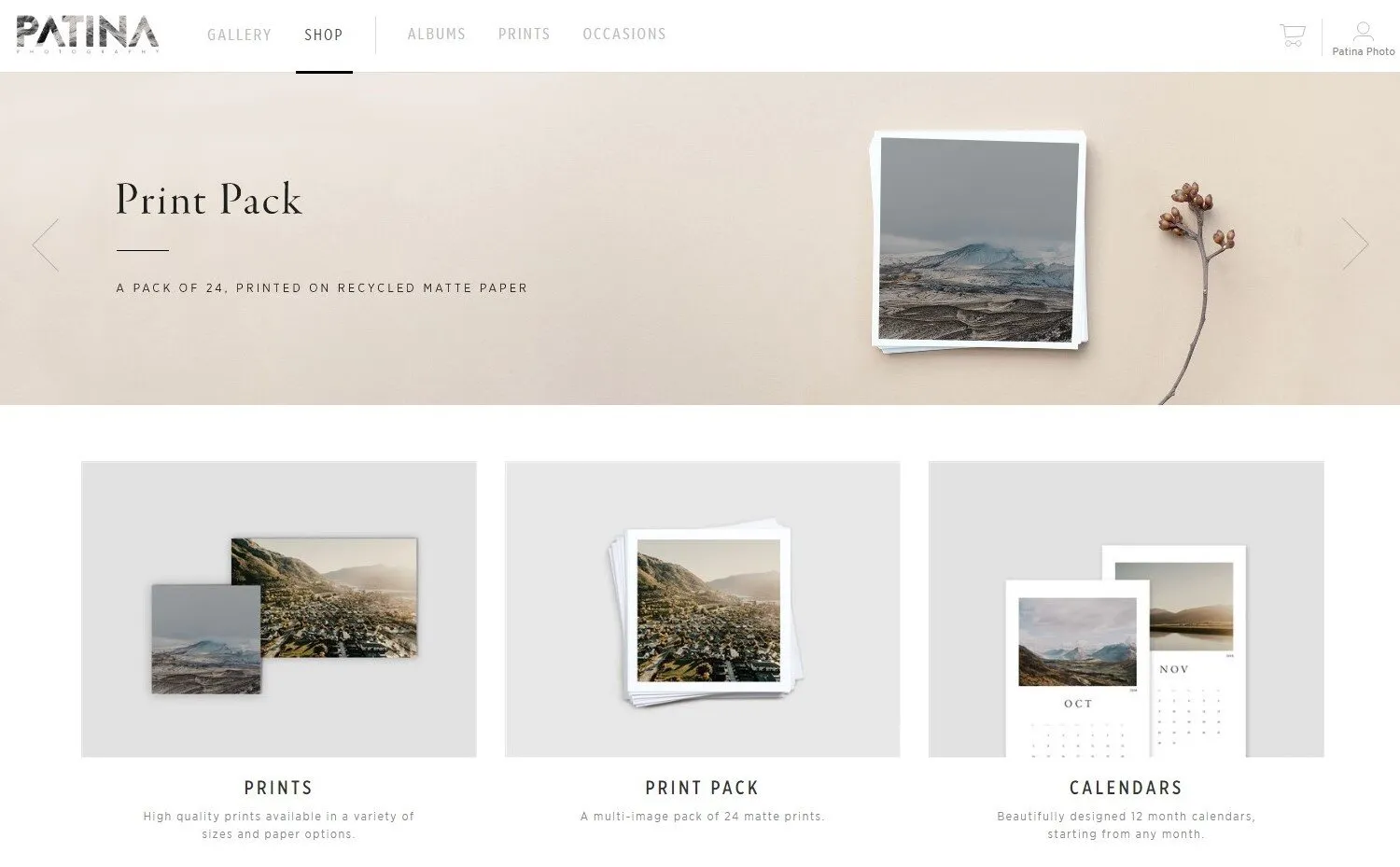
Ordering An Album
You can also order one of our beautiful Fine-Art Albums right from the built-in store. We will design a draft layout free of charge and send it to you for approval or tweaking before printing.
Support + Live Chat
You’ll also notice that your gallery has a live chat feature when visiting from your desktop. This live chat is supported by the Pic-Time support staff and they will be able to answer any questions you have about downloading, sharing or printing your images.
What they won’t be able to answer are questions related to your contract with us or future sessions, so please be sure to reach out to us directly if they are unable to help for any reason.